

Overview
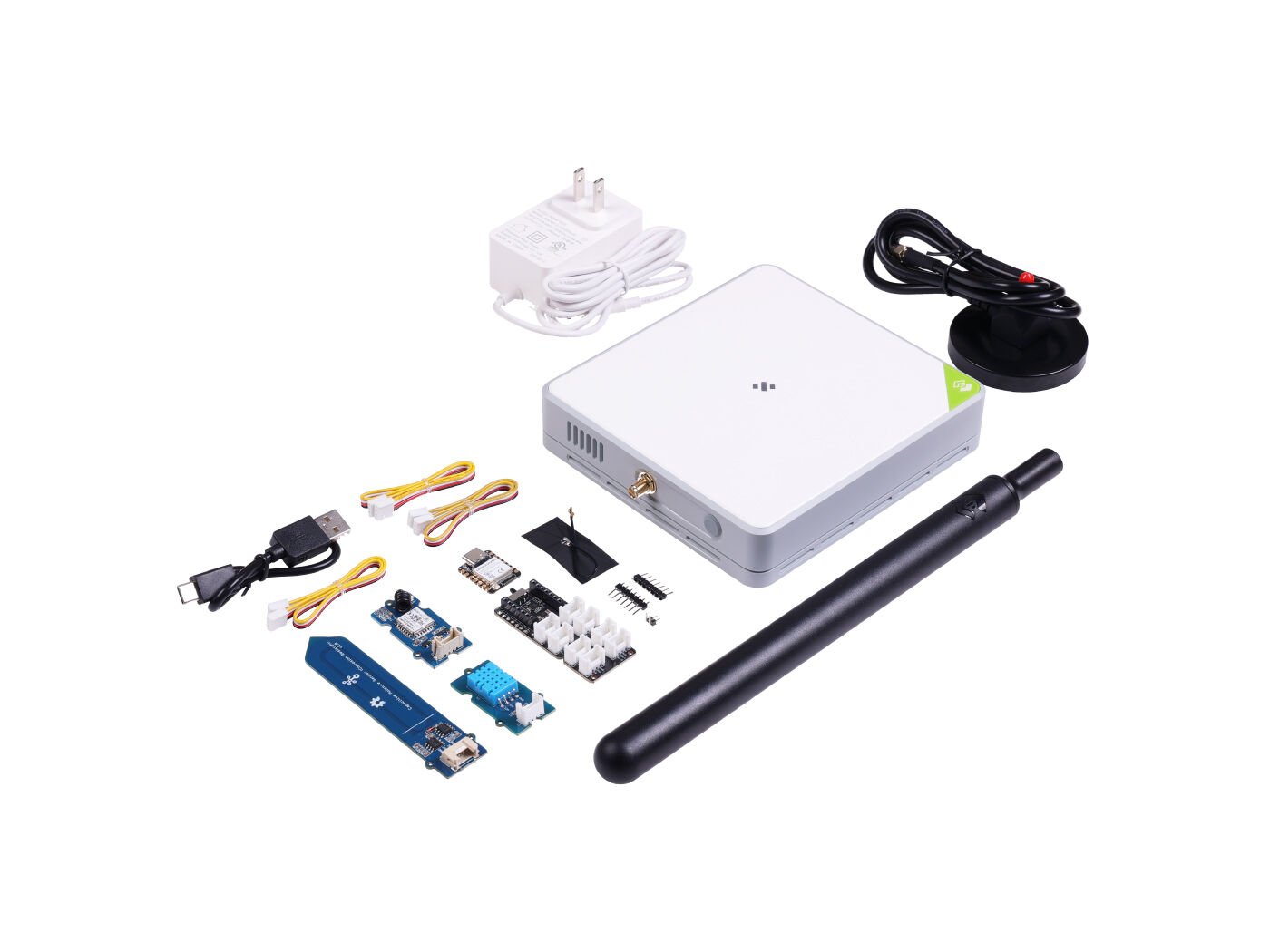
LoRaWAN Starter Kit for multi-platform gateway assembles the S3, Expand board, and various kinds of modules in one box which is designed specifically for beginners. With this kit, you can learn and experience the entire architecture of LoRaWAN. You can also utilize the sensors provided in the kit or choose your own sensor modules to build your own LoRaWAN projects.
LoRaWAN Starter Kit Product Demonstration
Deploy in 10 Minutes: Build a LoRaWAN project through 4 steps in 10 minutes and can visualize data on the Cloud platform
Wide Application and Compatible with Worldwide LoRaWAN® Networks: Compatible with different types of LoRaWAN® network servers making it suitable for a wide range of applications and industries
Expand the ability of Series Dev Board: Compatible ESP32S3 board offers various data transmitting interfaces and functional peripherals, compatible with Arduino
Simplified by -Wio-E5: With built-in AT command firmware, the board simplifies application development for developers, offering a seamless and flexible experience
Great Extensibility: By updating the firmware through UF2, easily make it compatible with other sensors
Note
The M2 Multi-Platform LoRaWAN® Gateway doesn’t support the Helium network. It can not be connected with the Hotspot APP and Dashboard.
Note
You can also purchase this product on Amazon
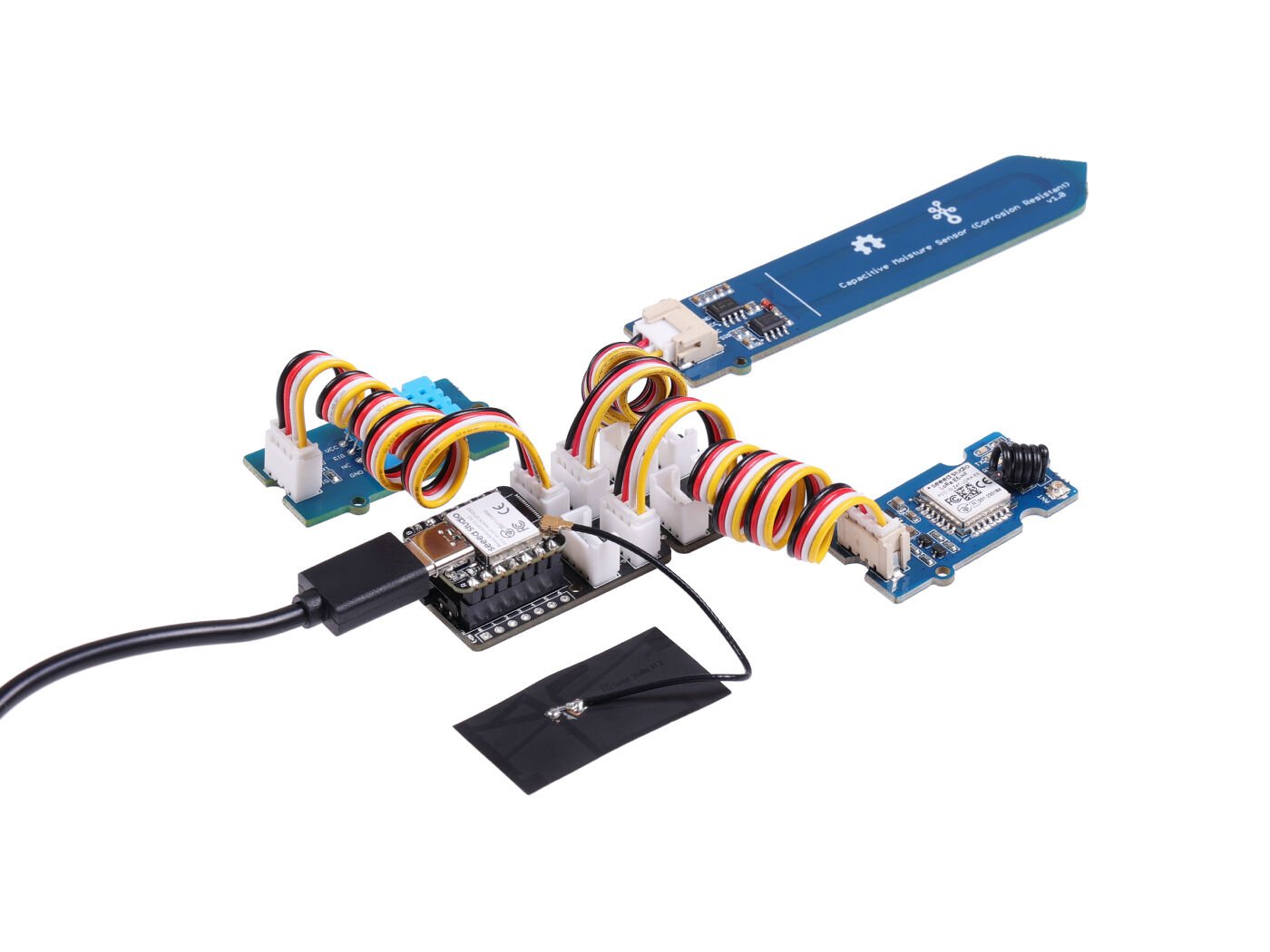
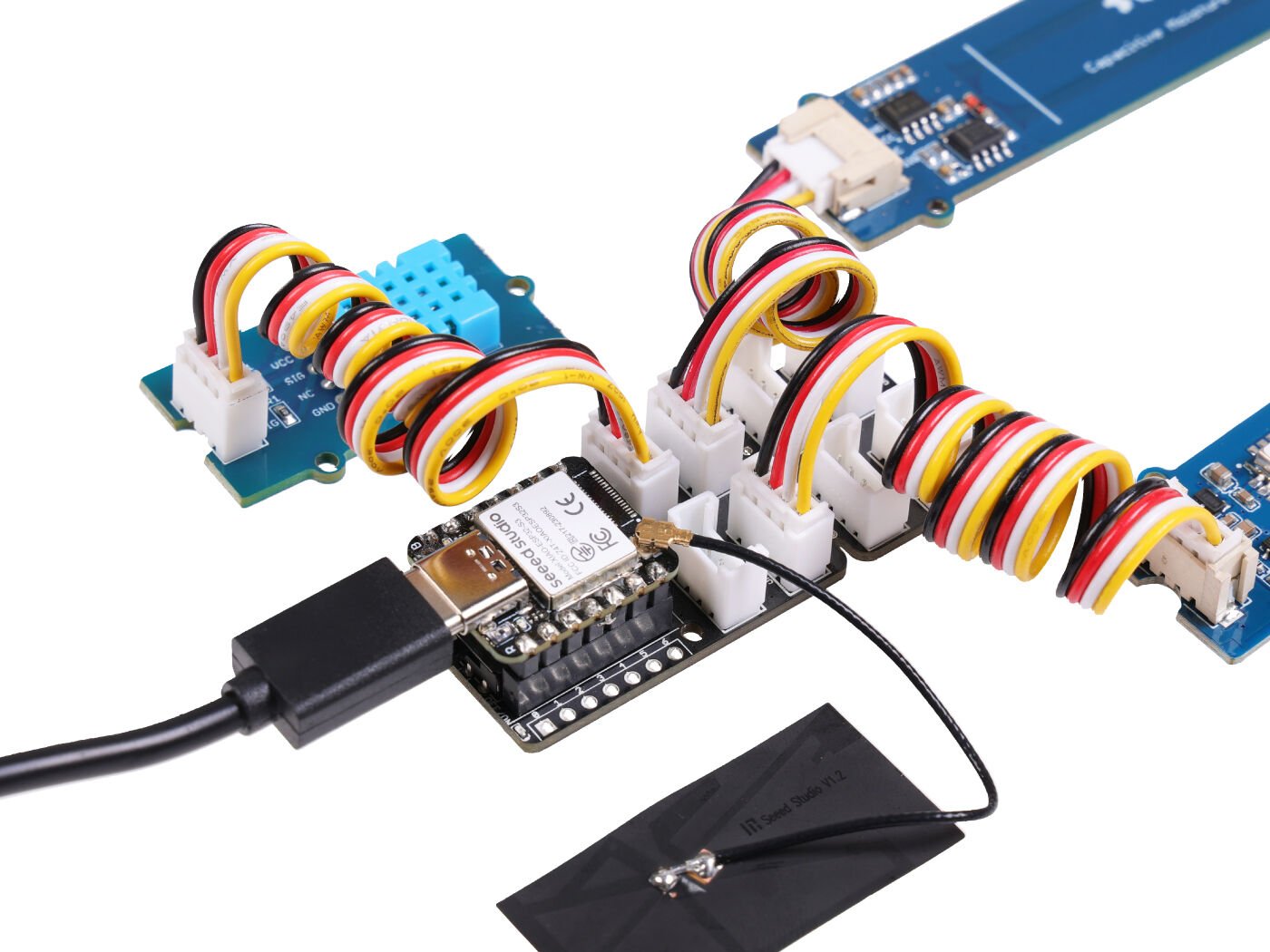
The kit boasts the S3, a compact yet powerful microcontroller, complemented by the Expand board for enhanced capabilities as well as various modules – Capacitive Soil Moisture Sensor, Temperature & Humidity Sensor & E5 Wireless module. The data collected by the sensor is transmitted to the M2 Multi-Platform gateway through E5, and the gateway forwards the data to the cloud.
The LoRaWAN Starter Kit provides more than just hardware – it also includes software support for users to explore. With this kit, users can not only collect and transmit data wirelessly but also visualize it on both the cloud and the App. This seamless integration allows real-world data to be transformed into valuable digital insights, empowering users to unlock the full potential of their IoT applications.
Additionally, the kit’s UF2 replaceable firmware allows users to experiment and enhance software functionality based on their innovative ideas. The firmware default supports the sensors within the kit. Advanced users can expand compatibility with other sensors by burning firmware using UF2. Click here to learn more.
We provide a wealth of tutorials, ranging from LoRaWAN fundamentals to practical guides on building projects using development kits. This resource aims to help beginners smoothly start their LoRaWAN experience, you can find relevant links in the documentation dropdown.
The kit includes M2 Multi-Platform LoRaWAN Gateway which is a standard LoRaWAN® gateway that supports connecting to different network servers. It can be used not only for personal LoRa development but also in conjunction with industrial sensors.
For industrial scenarios, we have corresponding industrial-grade sensors that can be applied more extensively, Click Here to learn more.
- Learning and Practicing
- Soil Monitoring for Plant Cultivation
- Air Quality Monitoring
- Upgrading Industrial Applications
M2 Multi-Platform LoRaWAN Gateway | ×1 |
ESP32S3 | ×1 |
Expand Board | ×1 |
E5 | ×1 |
Temperature & Humidity Sensor(DHT11) | ×1 |
Soil Moisture Sensor | ×1 |
Cable | ×3 |
USB Cable-Type C | ×1 |




Reviews
There are no reviews yet.