
Overview
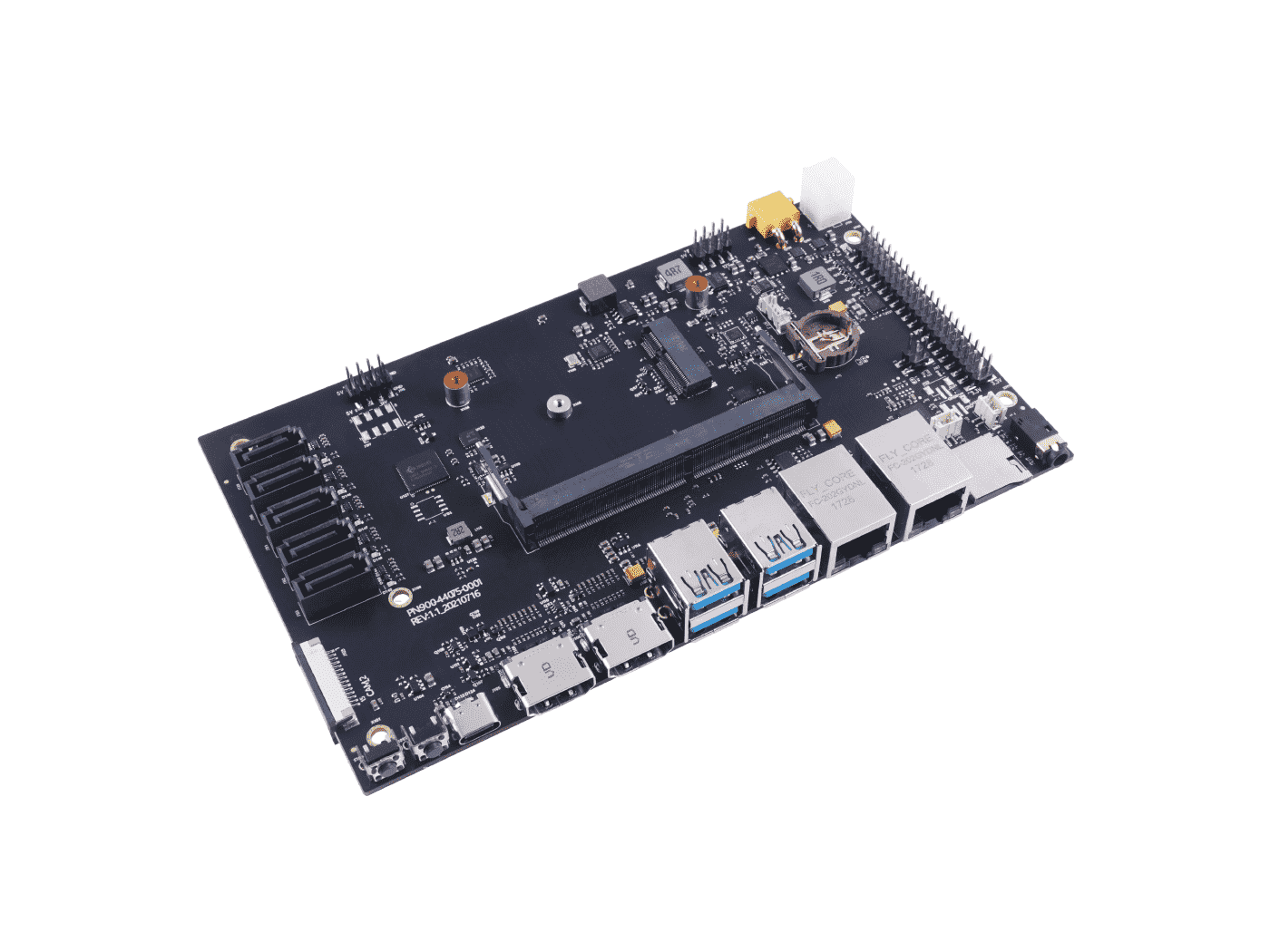
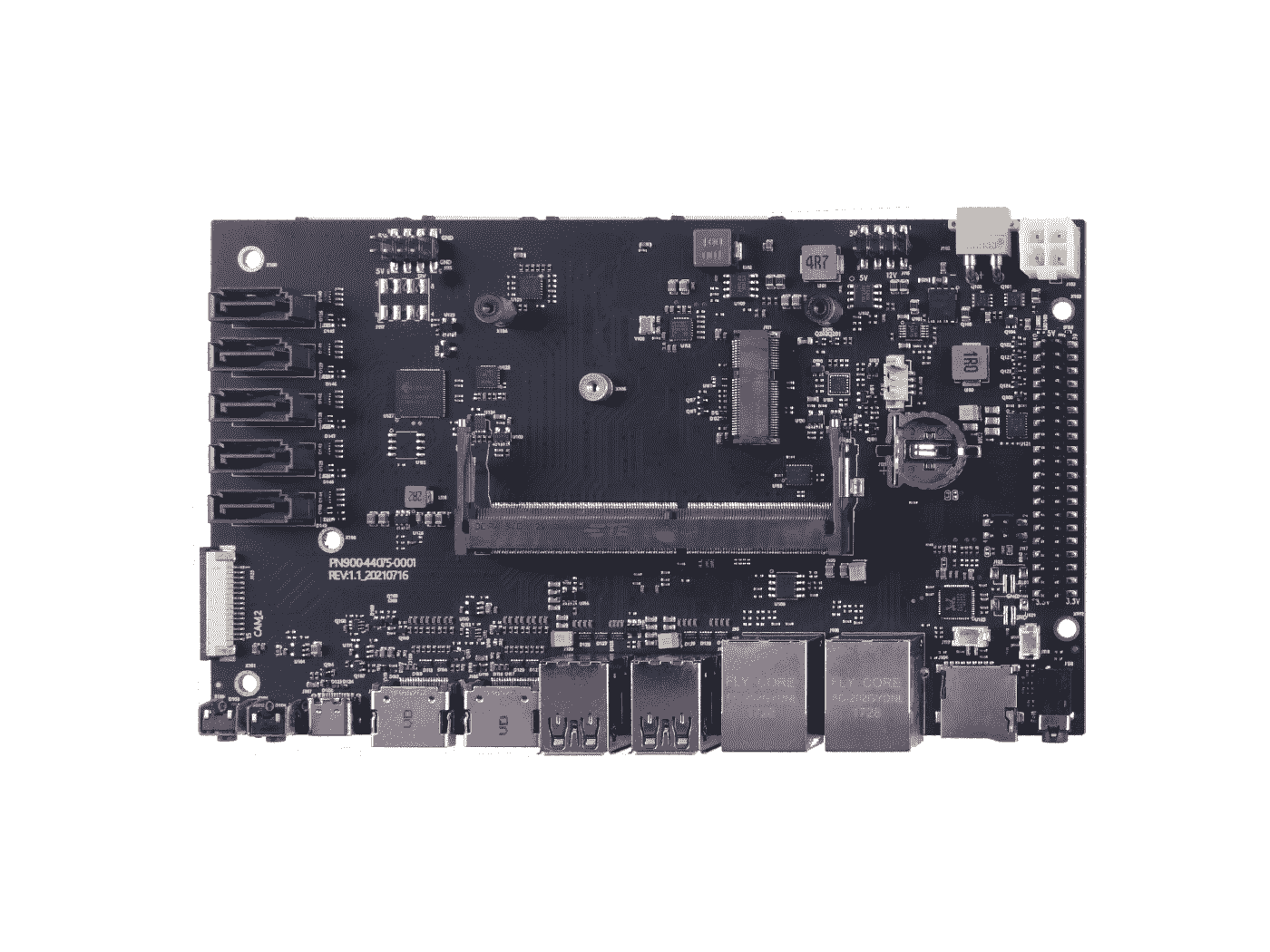
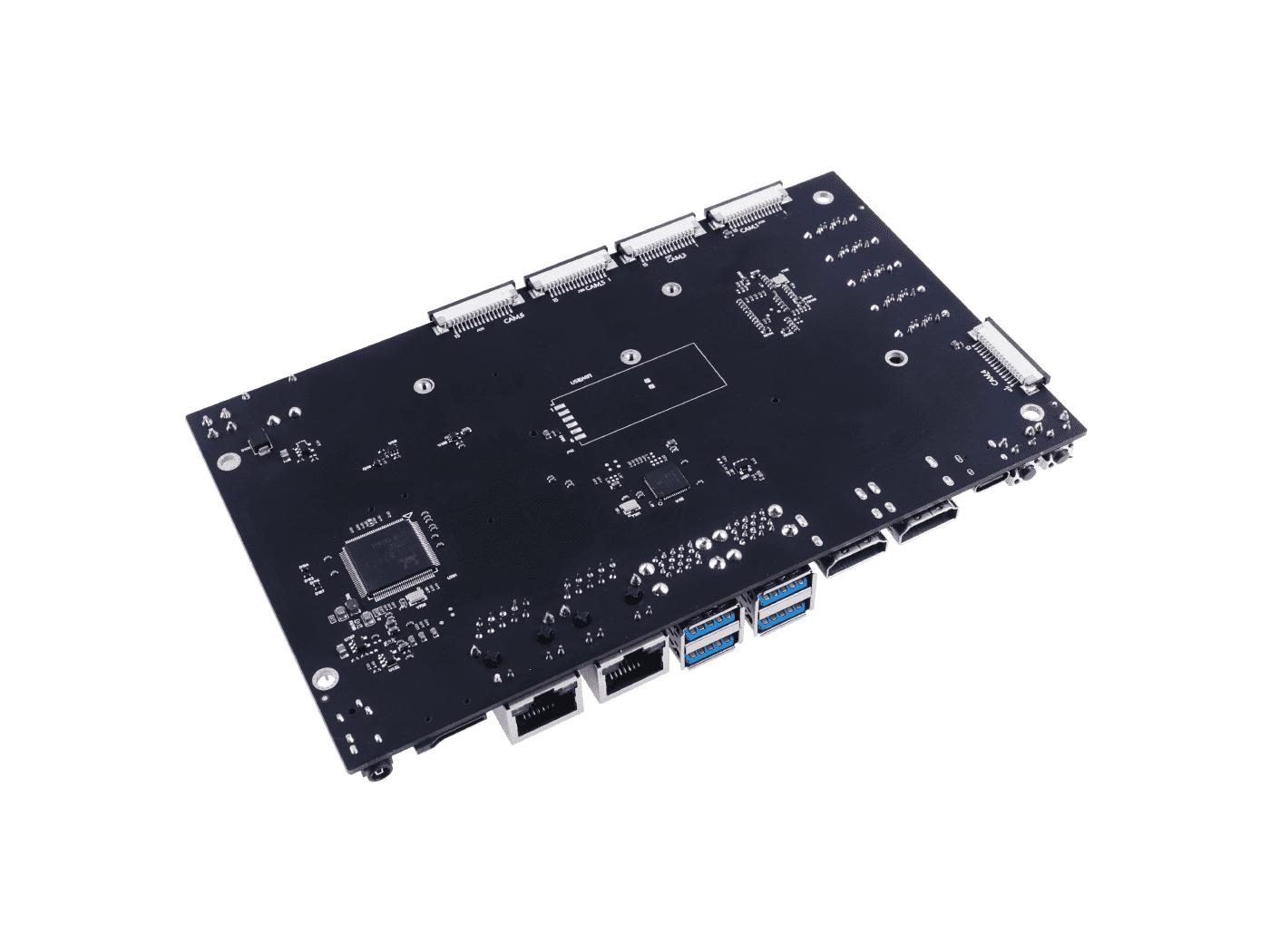
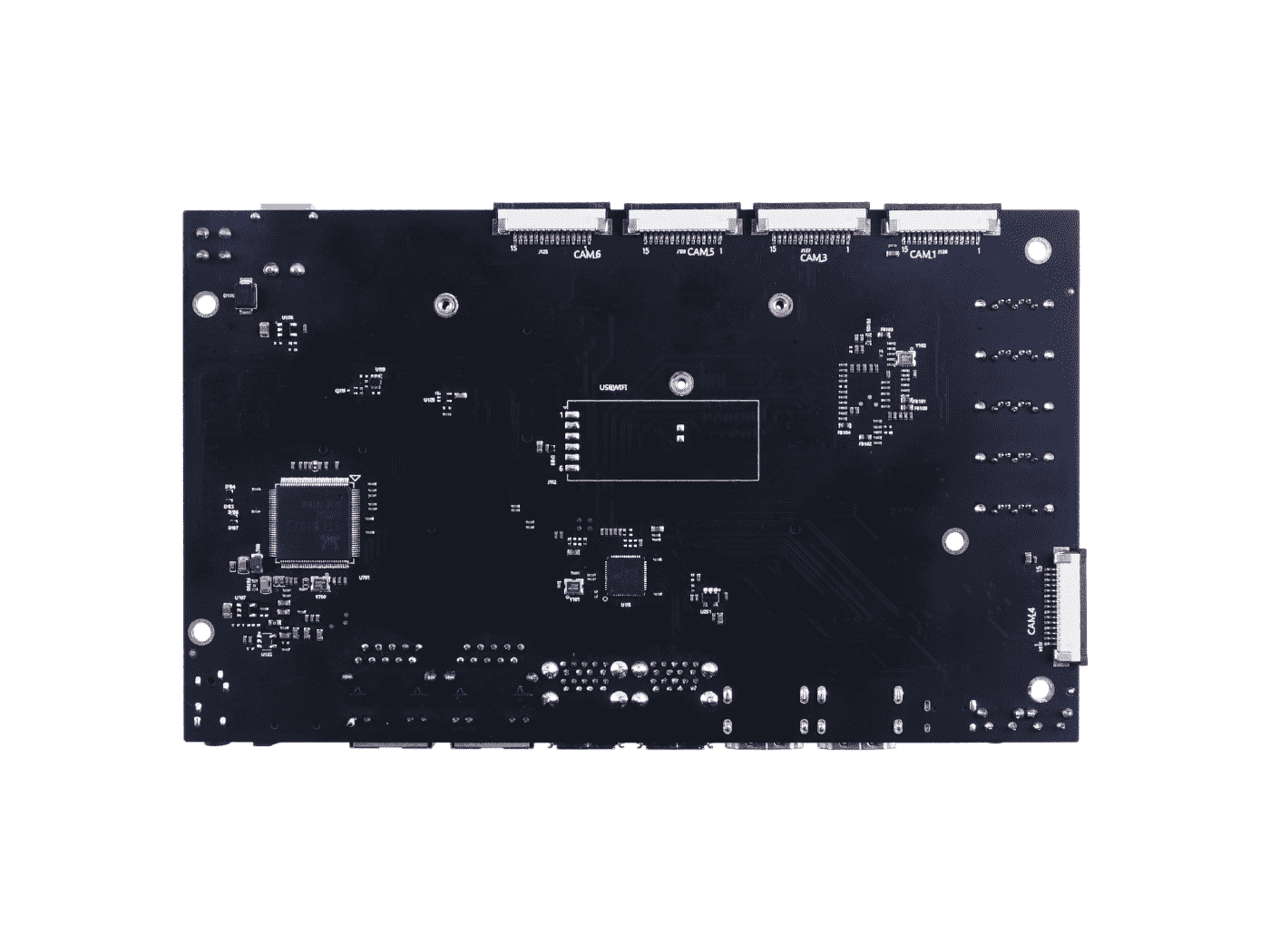
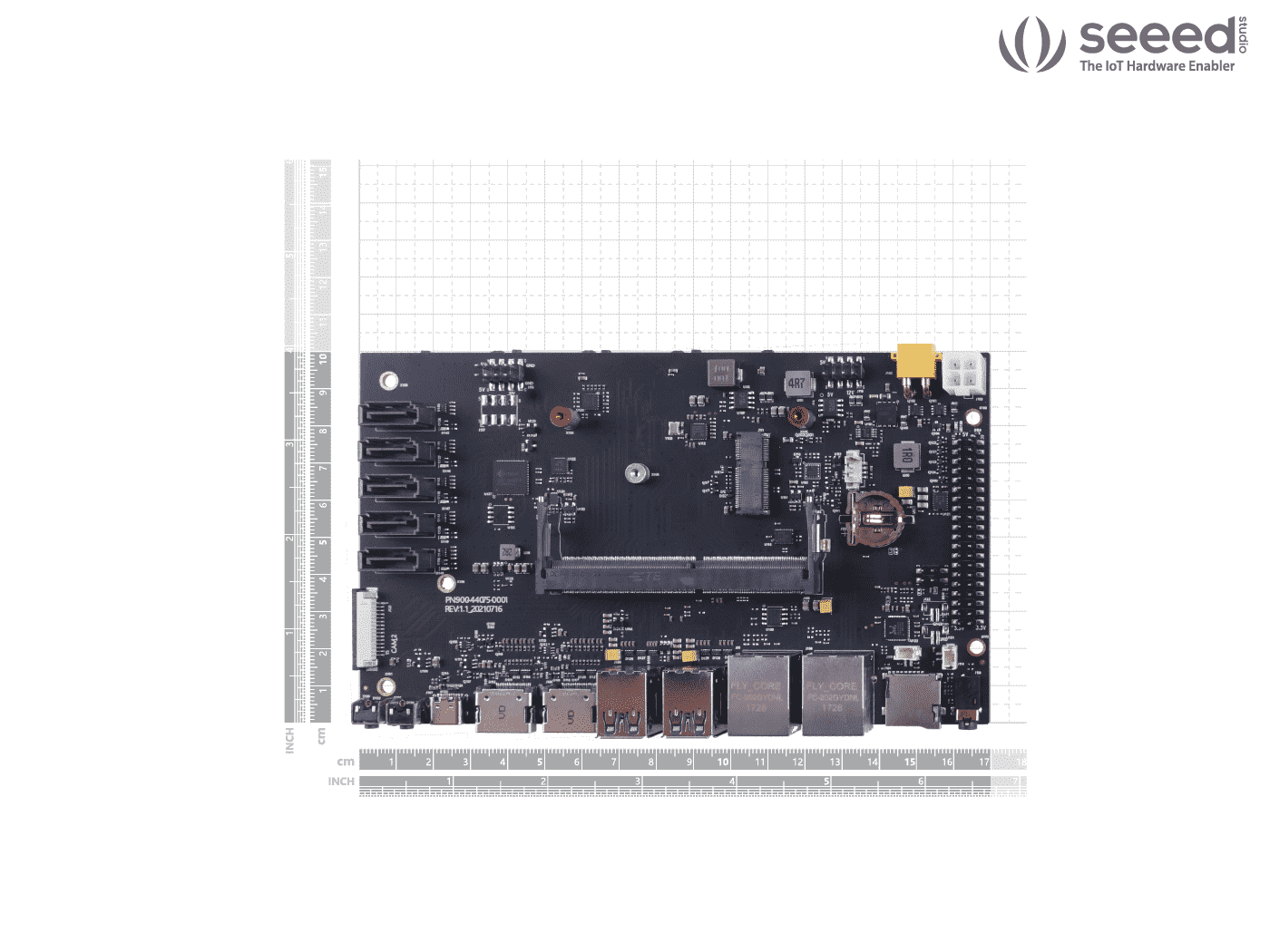
A205 is a high-performance, interface rich NVIDIA Jetson Nano / Xavier NX/ TX2 NX compatible carrier board, providing HDMI 2.0, Gigabit Ethernet, USB3.0, USB 2.0 (W / OTG function) M.2 key E Wifi / Bluetooth, SATA, CSI camera, RS232, SD card, CAN, PIO, I2C, I2S fans, and other rich peripheral interfaces, which are suitable to deliver real-time vision computation power for scenarios with strict environmental requirements.
With the NVIDIA Jetson Nano/Xavier NX/TX2 NX module assembled, it could support NVIDIA JetPack, which includes a board support package (BSP), Linux OS, NVIDIA CUDA®, cuDNN, and TensorRT™ software libraries for deep learning, computer vision, GPU computing, multimedia processing, and much more. With its multiple camera connectors, it is a better choice for complicated AI graphical applications such as automated optical inspection, robot control, 3D modeling, drone, parallel computing for more Computer vision tasks. Overall, it can be widely deployed in edge areas to meet the demand as video analytics in smart retail, transportation, security, etc.
Key features
Note: When using Jetson Nano, the M.2 Key E cannot work.
Specification
Carrier Board | ||
Storage | 5x SATA | |
1x TF_Card slot | ||
Networking | Ethernet | 2x Gigabit Ethernet (10/100/1000M) |
M.2 KEY E | 1x M.2 Key E interfaces | |
I/O | USB | 4x USB 3.0 Type A(integrated USB 2.0) 1x USB 2.0 Type C(support OTG) |
Camera | 6x MIPI CSI-2 | |
Display | 2x HDMI | |
Fan | 2 x Fan(12V/5V),1 x FAN(5V PWM) | |
Audio | 1 x Audio Jack,2 x Microphone, 2 x Speaker(1W) | |
SPI Bus | 1 x SPI Bus(+3.3V Level) | |
Multifunctional Port | 1x System Control 1x Power Control 2x I2C Link(+3.3V I/O) 1x UART(+3.3V Level) 2x GPIO(+3.3V Level) 2x SPI Bus(+3.3V Level) 1x LED State | |
Power | +13V to +19V DC Input @ 8A | |
Mechanical (W x D) | 170mm x 100mm | |
Operating Temperature | -25℃~80℃ | |
Application
Application Fields:
- Autonomous Mobile Robot (AMR)
- AI Video Analytics
- Machine Vision
Hardware overview
Recovery mode
To use USB update, you need to enter USB recovery mode. In USB recovery mode, it can update the file system, kernel, boot loader and BCT.
Steps to enter recovery mode:
(1) Turn off the system power, make sure that the power is turned off instead in standby mode.
(2) Use the USB type-C link line to connect the carrier and the host.
(3) Power on.
(4) Press and hold the recovery key first, then press and hold the power key. When the light is on, release the power key, wait for 2S and release the recovery key. Or in the power-on state, press and hold the reset key and recovery key, release the reset key for 2S and then release the recovery key.
Please follow the steps of the updated manual for a system update. when entering USB recovery mode, the system will not start, and the serial port will not have debugging information output.
Note: Please check out each specific pin description for A205 carrier board in Document part.
Part list
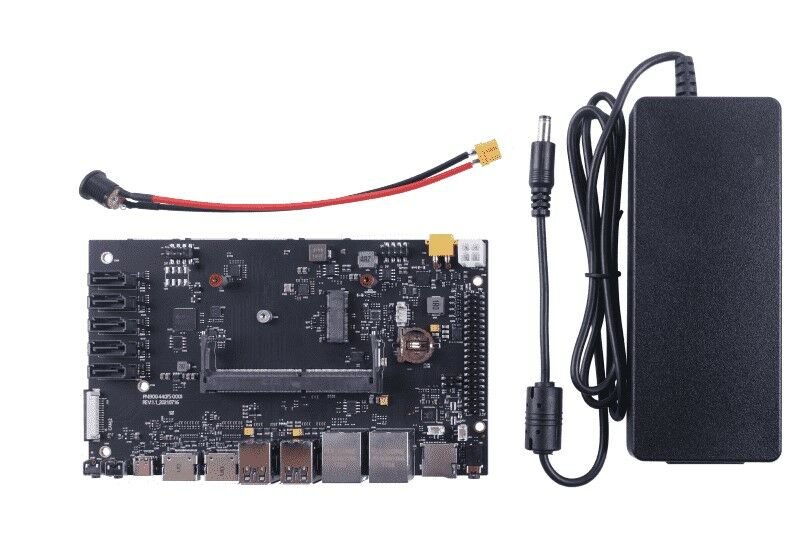
A205 carrier board | x1 |
Power Adapter 19V/4.74A (MAX 90W) (Power cable not included) | x1 |




レビュー
There are no reviews yet.